QRZ Oscar Sierra
oscarsierra.pl/qrz
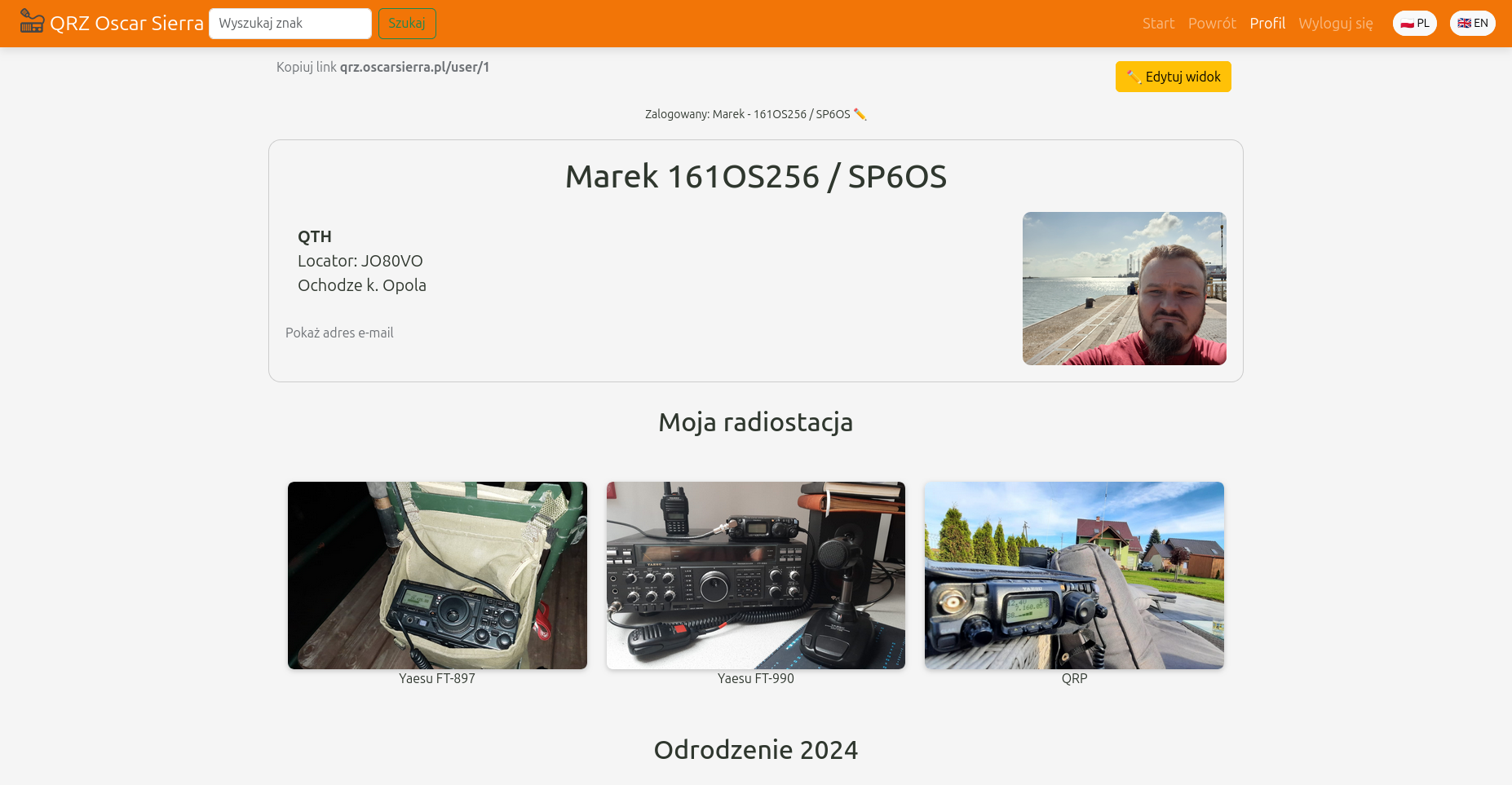
The site is aimed at radio communications enthusiasts. Its purpose is to create a database of business cards of enthusiasts from all over the world. After logging into the system, users can create an electronic business card, which will be visible in the business card search engine (and in the future also in the mobile application). The business card contains the user's data, such as call sign, name, location, email address, and other contact information.
Users can edit their business card, adding a description of the radio station and antenna along with photos. It is also possible to edit the call sign and name. The business card is visible in the search engine, which allows searching by callsign. Creating a business card is simple and intuitive. After logging into the system, the user clicks the “Edit View” button and adds blocks with title and content.
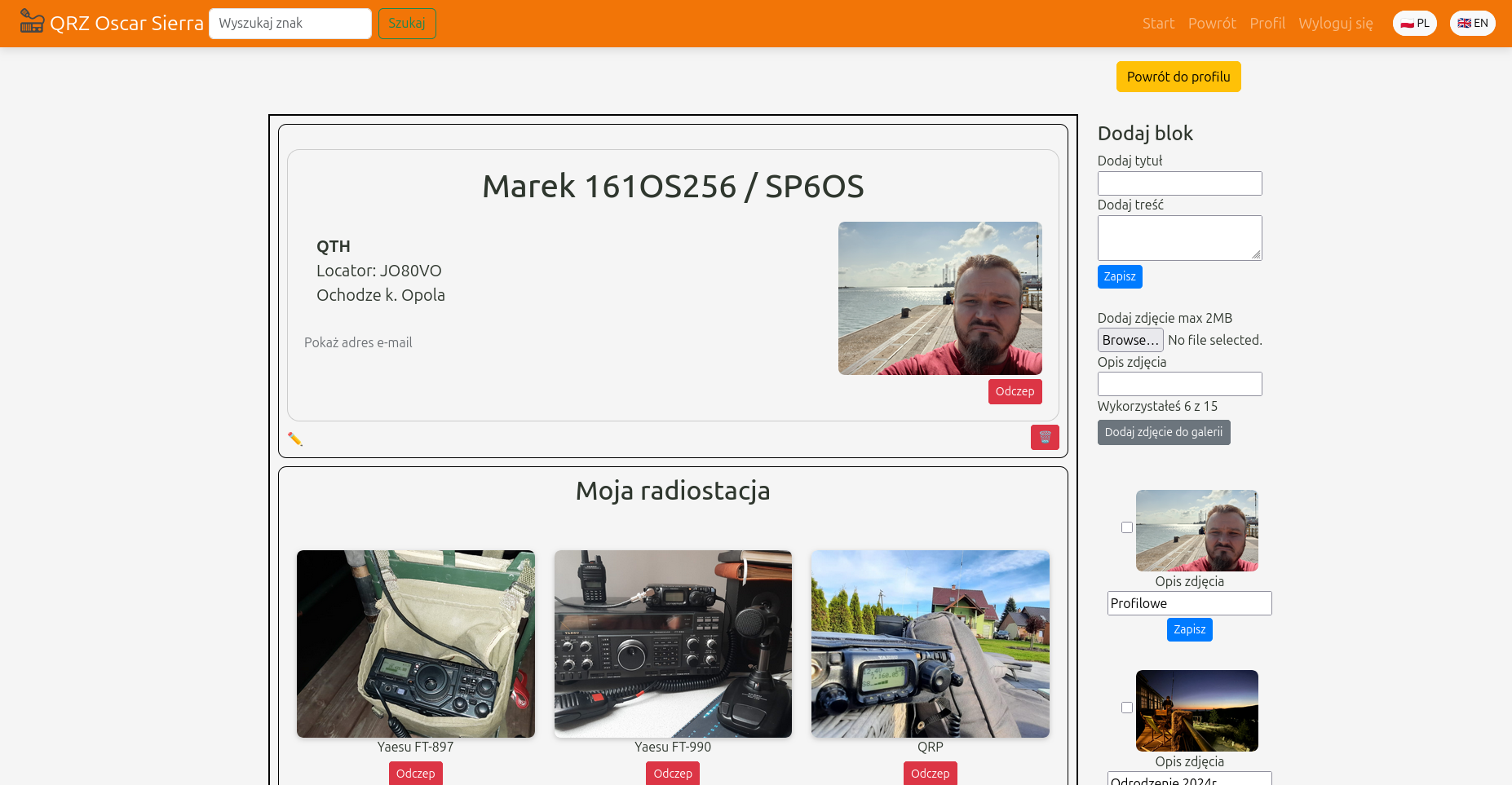
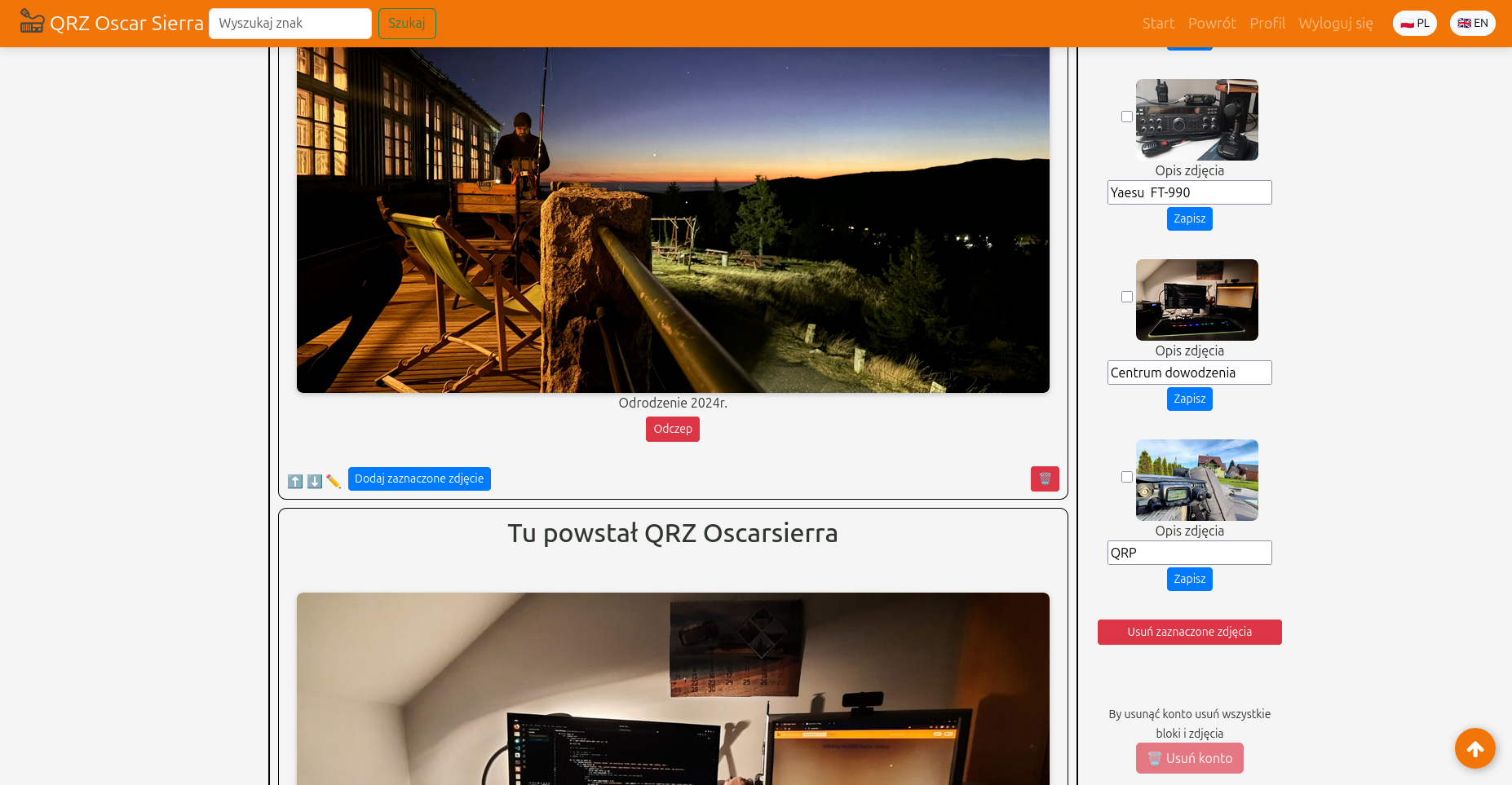
The first block is a representative block - it contains user data (first name, call sign automatically retrieved from the database and displayed as a header). The title and content of this block are positioned on the left side. You can put there, for example, QTH locator or address data. One profile picture can also be added in this block. In the following blocks, the user can add the title and description of the radio station or antenna and up to three photos along with a brief description. To add a photo to a block, you must first upload it to the server - a thumbnail will then appear on the right side of the editing panel. The photo is added by checking the checkbox and clicking the “Add selected photo” button in the given block.
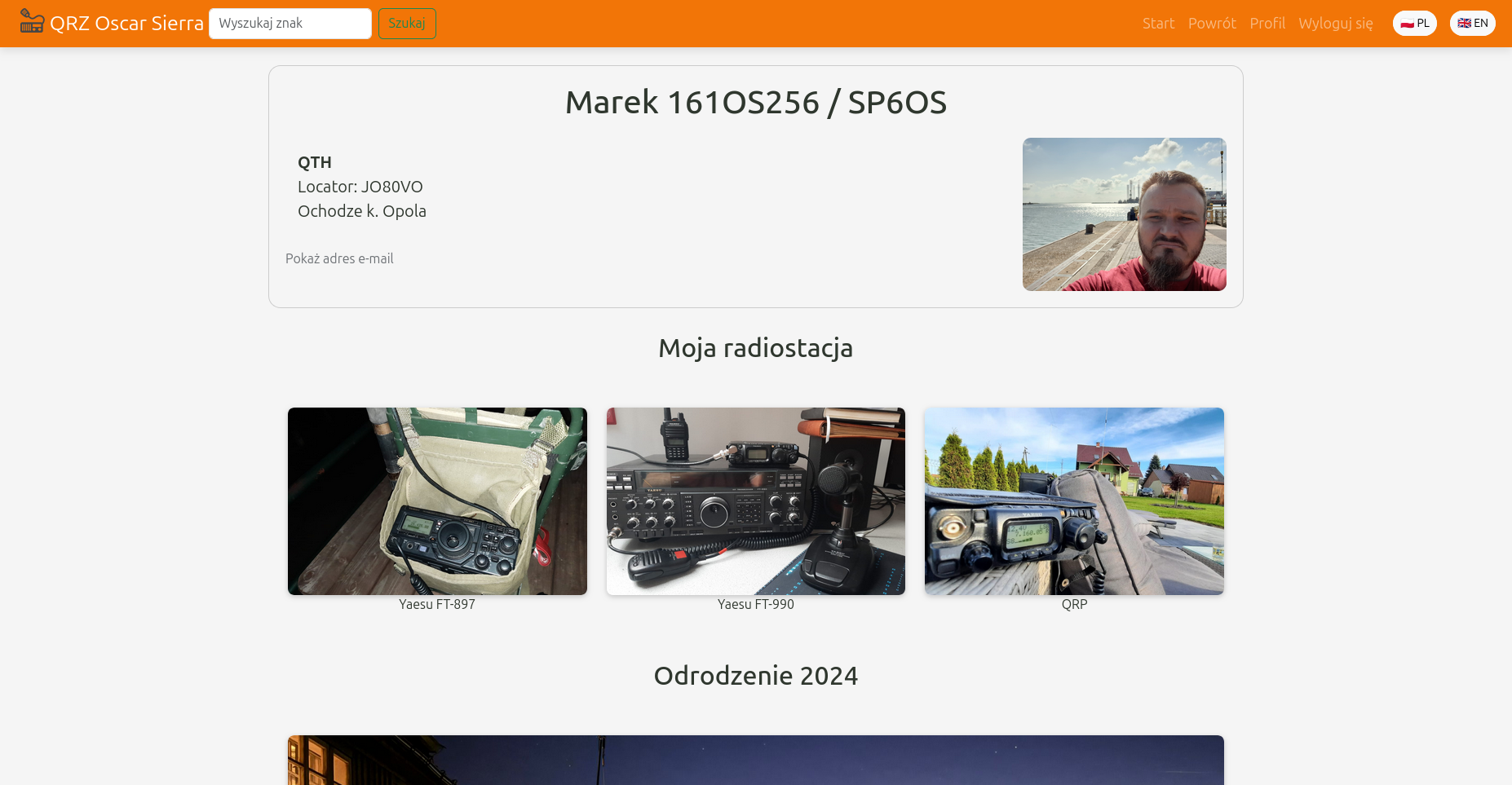
The user can add a maximum of 15 photos to the business card. The number of blocks is not limited. After creating a business card, the user can edit it - change photos, add new blocks and modify existing ones. After searching for a call sign in the search engine, the user can go to the selected business card. Clicking on a photo in a business card launches a full-size slide preview.
The project was written in Symfony 6.4 in PHP. It uses a MySQL database to store business cards and photos. The system includes registration and login functions with an activation link sent by email and the ability to reset the password. A classic CRUD (Create, Read, Update, Delete) model is used to manage business cards.