Organizer of work ne own needs.
When writing this application in 2016 I knew little about object-oriented programming.Therefore, the application was still written structurally. I stopped using this app at the end of 2024 with the end of my driving career. In spite of appearances, it was quite extensive. It had many tabs and functionalities. The essence of the matter was for the application to serve its purpose. Front-end issues were not the most important, as the app was only for personal use.
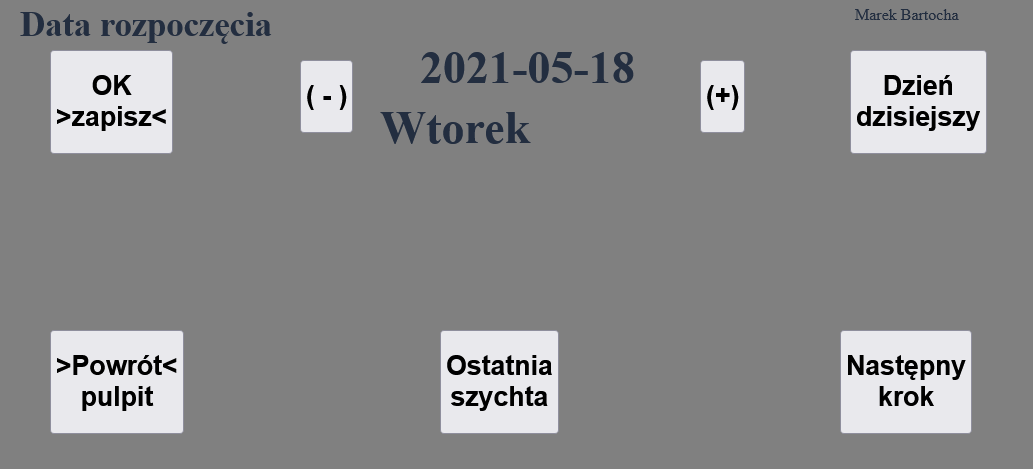
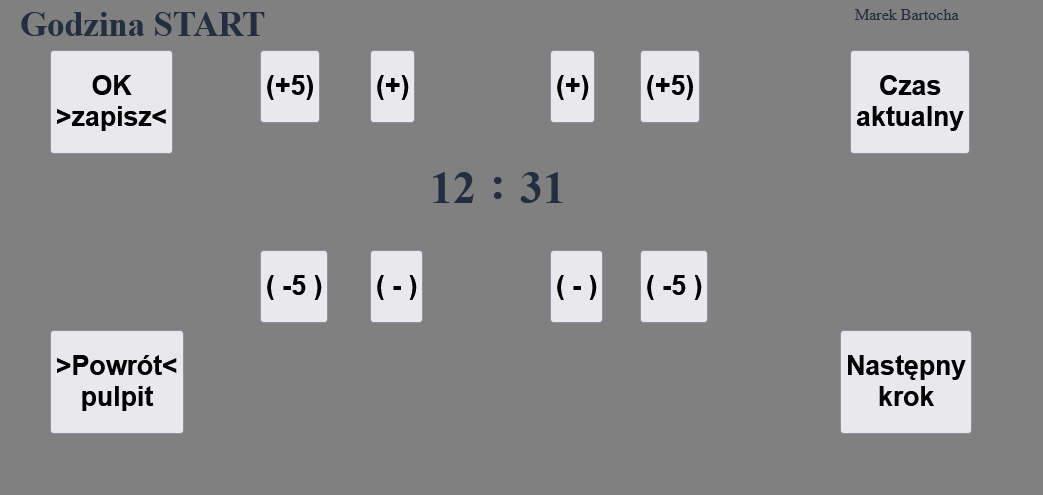
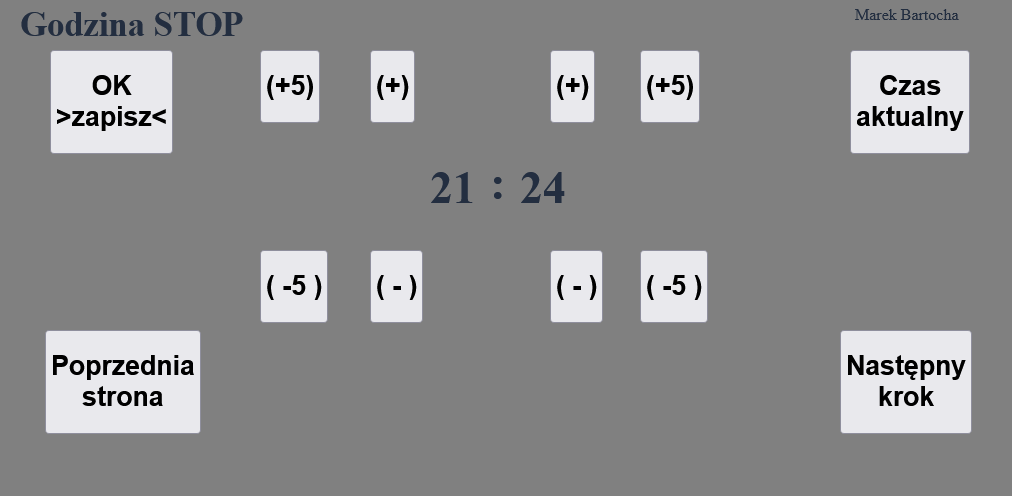
The main goal of the project was to build a smart ala notepad. So that during the day we could enter relevant annotations one by one, which would later be automatically processed and entered into the relevant reports. In the “Start View” image you can see a simple view of entering the start date. In the view, I wanted large buttons because I planned to use the application on a 7-inch tablet. And this was the simple way I entered the basic data into the mini system.
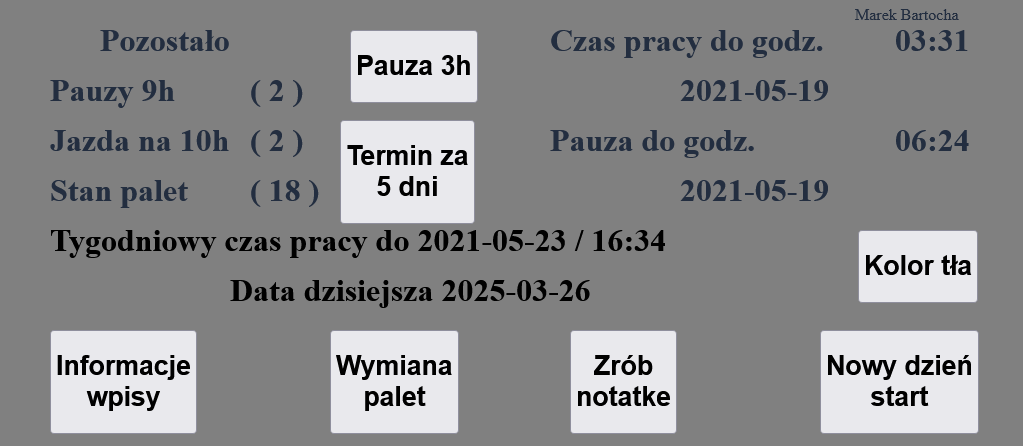
After starting the day on the main view, the program showed until what time I could day to work. It took into account the used breaks for the week as you can see in the image “Main view of the application”, Pauses 9h (2). This means that I have to used two breaks of 9 hours, and this meant that I could work 15h. Since the work and daily rest time (overnight) had to fit into 24h.
If the counter indicated 0 in such a case I had to apply a break after work not 9 but 11 hours. Which at the same time reduced the possibility of working up to 13h. This is just 1 of the simplest issues like keeping track of how many times I had already reduced my working hours. Things got much more complicated when I had to shorten the weekly rest (weekend). The full one was no less than 45 hours (often especially abroad weekends were shortened to a minimum of 24 hours).
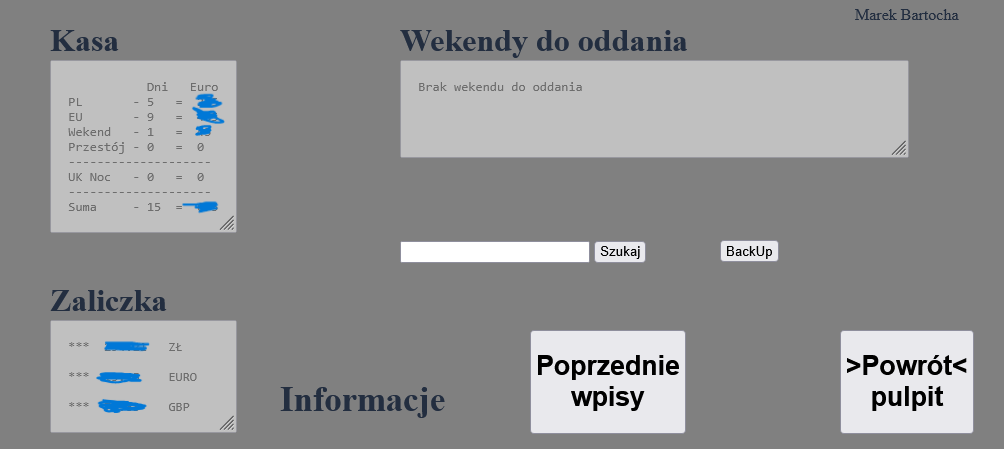
In this case, the difference between the full and shortened weekly rest had to be given no later than the end of the third week of the shortened weekly rest. About these deadlines and the number of hours to be given back with due notice, the application conscientiously reminded me. As you can see in the image “Information about weekends to be turned in and finances” more functionality is revealed. If only such as finances.
This is about balances of business advances in three currencies and an overview calculation of salary. In the image in question, you can see a search engine for searching in notes and a “BackUp,” or backup, which allowed the database to be restored after a device failure. Each day, after the work was completed and the last annotations were made, the “End of Day” image created an automatic backup.
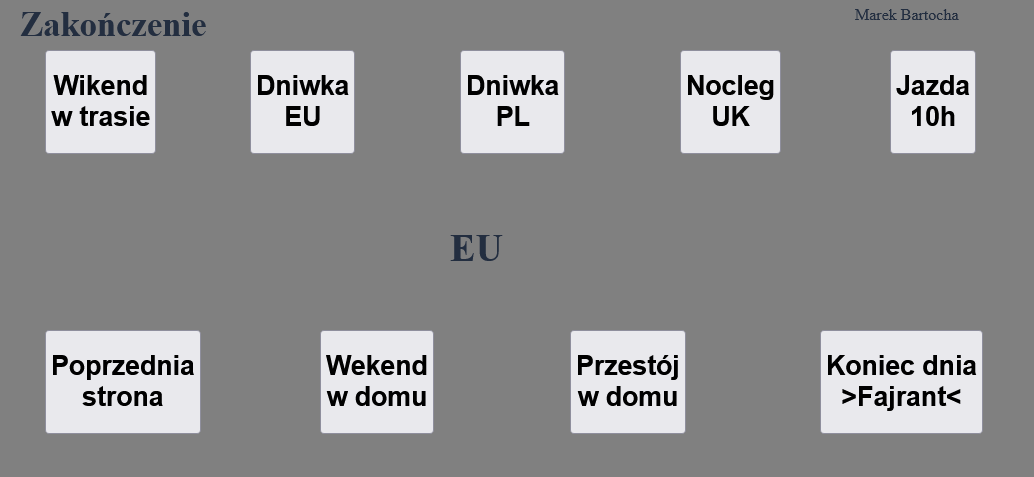
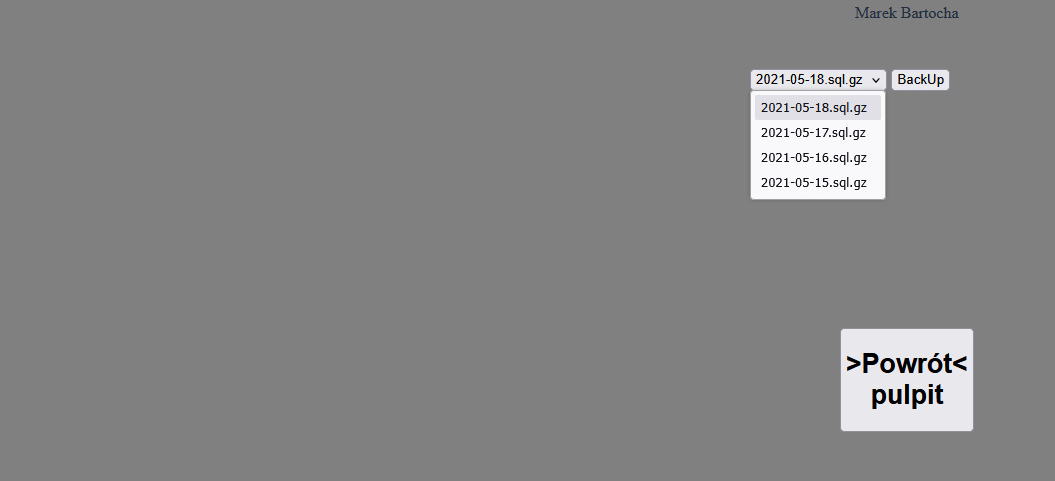
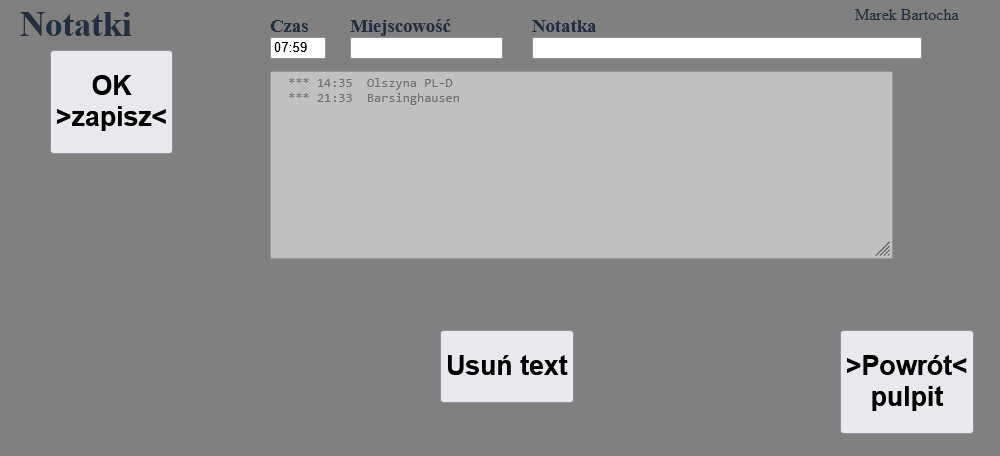
The last 4 backups were retained and the earlier ones were automatically deleted by the script. Time for a little tour of the application starting from the “Main view of the application” / 'Take a note' / will take us to the “Enter notes” tab Here we see only three input fields but here one field has more than one use. E.g. In the field 'Time' when the time was found then the corresponding procedures applied.
That is, 'Locality' was used in the 'Pallet Exchange' tab where the exchange was made and as a simple note. If in the 'Time' field I entered the keyword “Chiller” then in the 'Locality' field I entered the liters of fuel refueled for the chiller. And in the 'Notes' field, the status of the motor hour counter. This data traveled to the database and later a report was created from this data. In the 'Pallet Replacement' card you can see the 'Locality' loaded from memory.
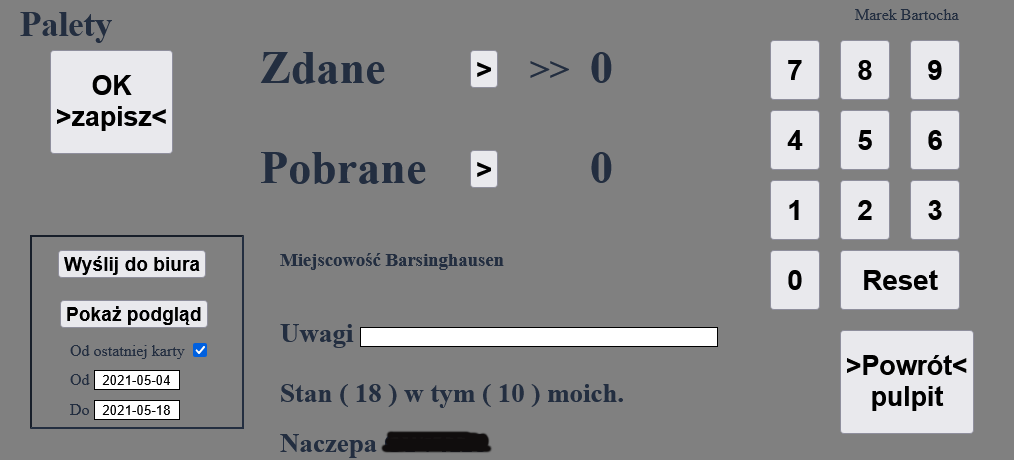
In the 'Notes' field, I entered the name of the company where the pallet exchange was made. This information wandered to a separate table in the database and later from this data pallet exchange report was created. In this tab you can see a module for sending the report and previewing previous reports. This module sent to the employer information about pallet exchange and settlement of business expenses. You can see the preview of the reports in the image “Preview of pallet exchange reports”.
After returning from the 'Pallet Exchange' tab to the 'Main Application View'. Navigate to the 'information entries' tab “Information about weekends to donate and finances”. From this tab, go to 'Previous entries' to the 'Notes preview' tab. From this tab, I sent reports such as a summary of notes to my email address 'Send report to email.
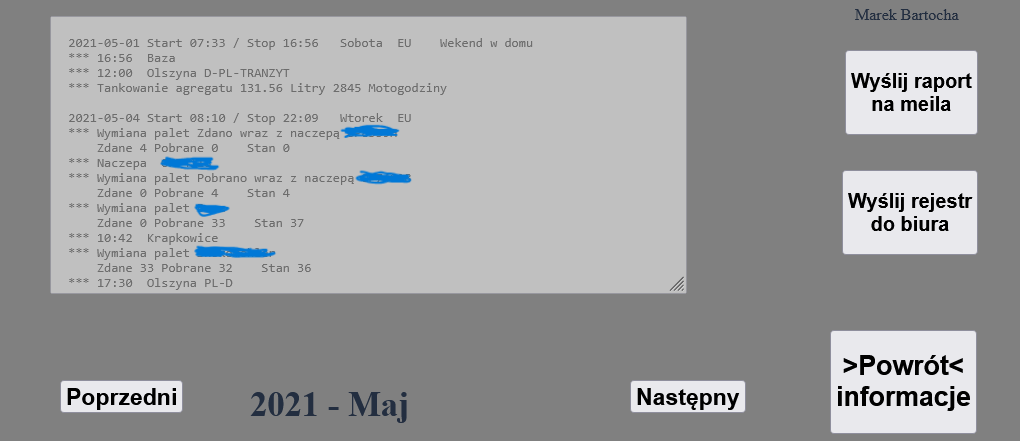
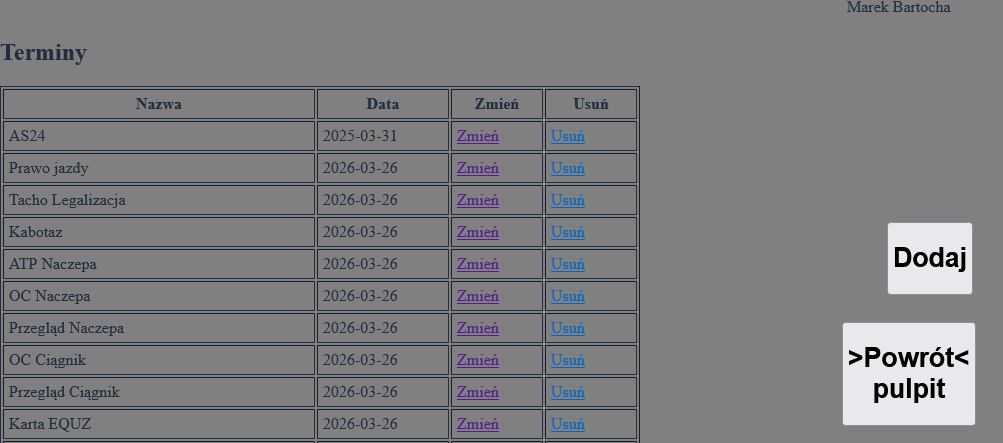
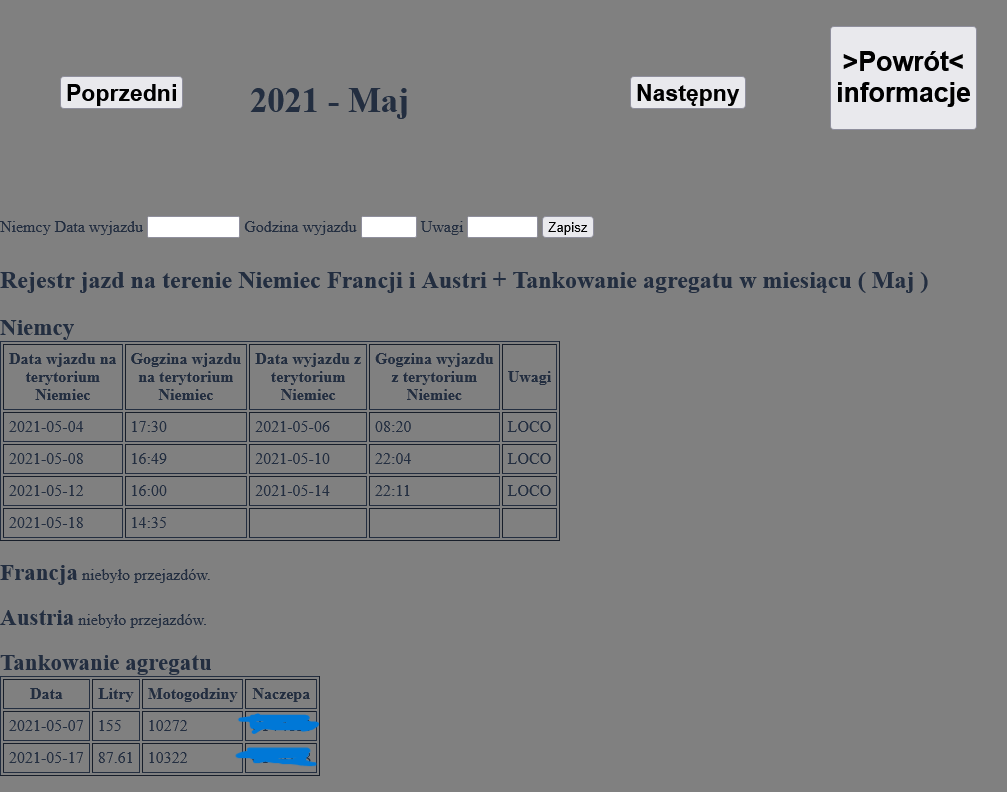
I also sent records of crossing national borders (EU regulations), and information about refueling the refrigeration unit. In the tab “Application main view” we see a button with information on how many days are left until the deadline 'Deadline in 5 days'. The button will take us to the 'Term Preview' tab where I applied the classic 'CRUD' (Create, Read, Update, Delete) i.e. adding a new term, read appointments, update (edit) an appointment, and delete an appointment.
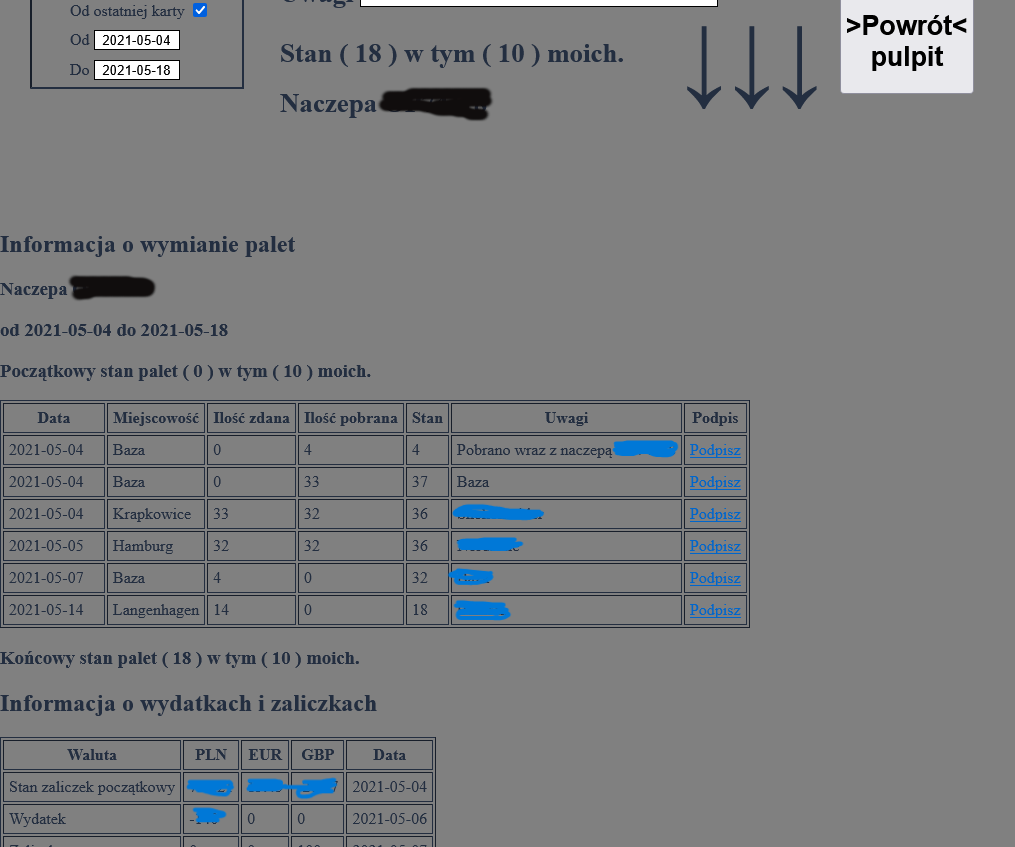
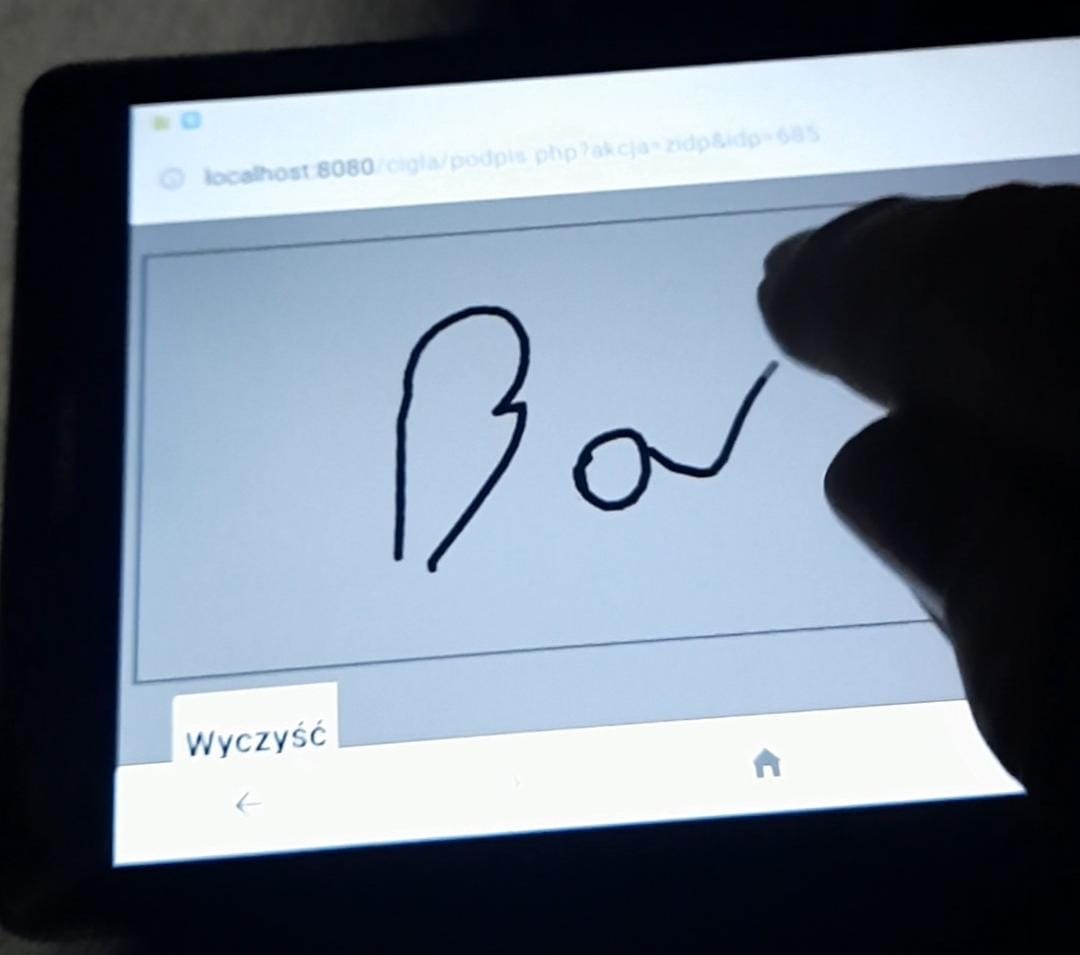
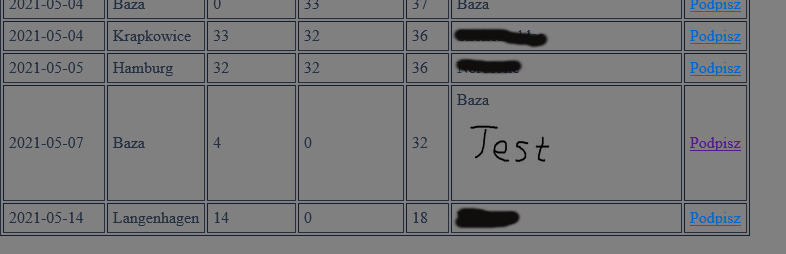
Returning to the “Preview pallet exchange reports” tab, the 'Pallet exchange information' table shows a 'Signature' box. These links allowed you to sign the transfer or retrieval of pallets from another driver from the same company. I used the 'Canvas' library for the signature, which can be seen in the images “Signing pallet exchange” and “Signature in pallet exchange table”.
In the “Application main view” tab, there was one last detail left to describe 'Pause 3h', which was due to the regulations that could be used at work. During the day when I had an unscheduled break (longer than 3h) I could apply a full combined daily rest of 3h + 9h after work, which was treated as a full 11-hour daily rest.
That's all I wanted to describe in this application. I have presented here the most relevant issues from my point of view.